
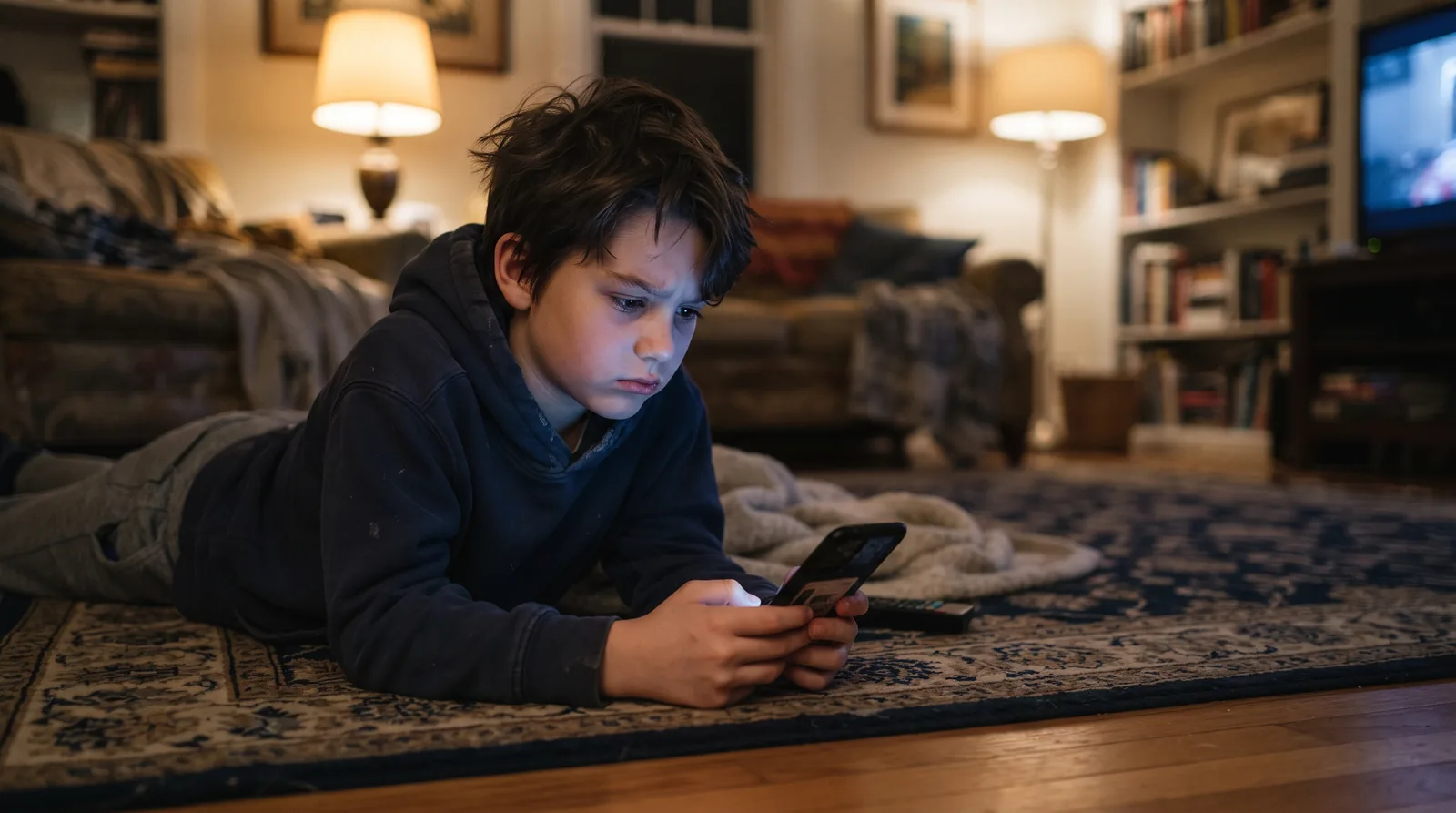
If your child seems more irritable, tired, or anxious after time on a phone or tablet, unfiltered news and doomscrolling may be part of why. The fix isn't a blanket screen ban, it's noticing what they're actually seeing, asking about it directly, and building in real breaks, especially in the hour before bed. Kids ages 8 to 12 increasingly encounter serious news not from a TV broadcast but from an algorithm feed, with no adult narrating context around it.
That shift matters. A parent choosing to sit down and explain a hard headline is very different from a child scrolling past it alone between videos. This guide covers how to spot the difference, what doomscrolling actually does at this age, and what to do about it without turning every device into a fight.
What doomscrolling actually does to a developing brain
Doomscrolling, the habit of compulsively scrolling through upsetting content, isn't just an adult problem anymore. Pediatric experts at Nationwide Children's Hospital point out that it isn't a medical term, but they describe real effects on kids and teens: a shorter attention span, emotional fatigue and anxiety after a flood of distressing news, and physical symptoms such as headaches and trouble sleeping. A cooperative extension write-up adds that adolescents who frequently consume distressing news on social media report more stress, poorer sleep and trouble concentrating. In a child, the pattern often shows up less as "worry" and more as changes you can actually observe: trouble falling asleep, a shorter fuse, difficulty concentrating on homework, and a flatter mood.
Part of what makes it worse than watching the news with a parent is the lack of an ending. A TV broadcast wraps up. A feed doesn't, and an algorithm optimized for engagement can keep surfacing more of whatever hooked a viewer last time, which for news may mean more distressing material, not less.
How to tell if your kid is doomscrolling
Most kids won't describe it that way. What it actually looks like:
- Reaching for the device again within minutes of putting it down, without a clear reason
- Mood visibly dropping during or right after screen time, more than before it
- Bringing up the same distressing topic repeatedly, in a way that seems to be seeking reassurance rather than information
- Screen use stretching later into the night, especially alone in their room
- Difficulty describing what they watched specifically, just that it was "bad" or "scary"
How much to watch for, by age (8 to 12)
An 8 year old's exposure usually comes through a parent's device or a sibling's screen. A 12 year old is more likely to have a device of their own and unsupervised access. The right response looks different at each end:
| Ages 8 to 9 | Ages 10 to 12 |
|---|---|
| Typical exposureUsually secondhand, over a shoulder or a shared family device, rarely sought out directly. | Typical exposureOften their own device, short-video apps, and content shared by friends with no adult context attached. |
| What helpsCo-viewing, short and simple check-ins, keeping devices out of the bedroom at night. | What helpsDirect questions about what they've actually seen, agreed screen-free windows, talking through how feeds work. |
| Good follow-upA short, calm conversation and a screen-free activity to close out the evening. | Good follow-upA real conversation about why the algorithm kept showing them more of it, not just the content itself. |
"I saw something scary online."
"Everyone's talking about it at school."
"I couldn't stop watching."
Four ways to break the cycle
Set real limits, not vague ones
Built-in screen-time tools on most phones and tablets can cap specific apps rather than the whole device, which is easier for a kid to accept than an all-or-nothing rule.
Protect the hour before bed
A device-free wind-down isn't just about sleep hygiene, it stops the last thing in their head before sleep from being whatever the algorithm chose.
Model it yourself
Kids notice a parent doomscrolling more than a parent realizes. The most effective screen-time rule is usually the one they watch you follow, not the one they're told.
Turn concern into one small action
If a real event has them upset, a concrete step, like writing a card, donating pocket money, or learning one more fact together, gives the feeling somewhere to go besides more scrolling.
If you don't know what they saw
Ask directly: "Have you seen any videos about it, not just heard about it?" Kids often won't volunteer that they saw footage unless asked specifically, since to them it may not feel different from any other clip in their feed.
Screen-free alternatives that actually stick
Limits work better when they're paired with something to do instead, not just an empty evening. A hands-on, screen-free habit at the same time every evening gives a tired brain something to switch to besides another feed. That's the entire premise behind a workbook built to be the thing kids ask for instead of the tablet, real pages to fill in, no login and no algorithm deciding what comes next.

Give the evening a better default
The Young Ambassador's Guide is twenty screen-free minutes kids ages 8 to 12 actually want, built around the same big questions the news keeps raising.
Making it a family habit, not a rule
Rules imposed from outside get tested. Habits built together tend to hold. Involve your child in setting the limit rather than just announcing it, ask them what they noticed about how they felt after a long scrolling session, and revisit the plan together after a couple of weeks rather than treating it as fixed forever. If what upset them was news about a conflict, our guide to talking with kids about war has scripts for the follow-up conversation.
Sources and further reading
- Nationwide Children's Hospital: Doomscrolling and Brain Rot. A pediatric experts' blog on how doomscrolling affects attention, mood and sleep, with tips for setting boundaries.
- N.C. Cooperative Extension: Breaking the Scroll. Why distressing news feeds hit young people hard, and why turning worry into positive action helps.
- American Medical Association: What doctors want patients to know about cutting down on screen time. Physicians on balancing device use, taking breaks and protecting sleep.
This guide is general parenting information, not medical advice. If your child's worry is intense or lasts for weeks, talk with your pediatrician or school counselor.